
🔄 Update Page Overview
The Update page compares the connected Google Sheet against the model local keynote file before any write occurs. It is a review-first workflow.
🧮 Update Summary
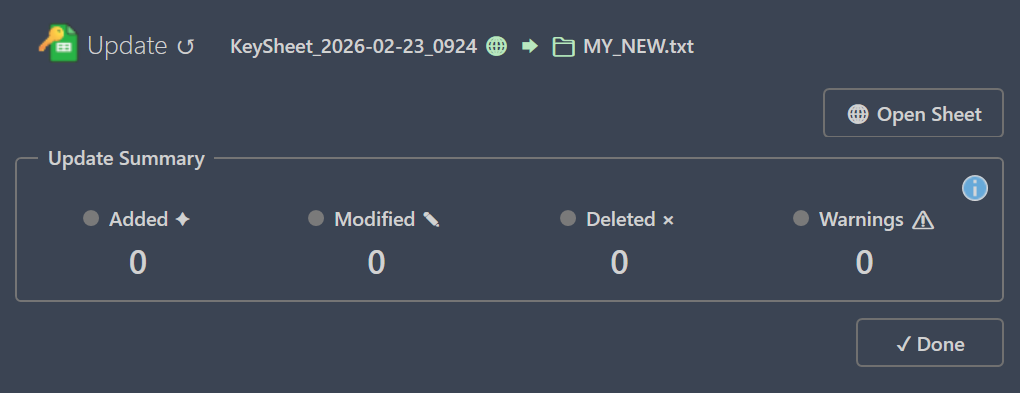
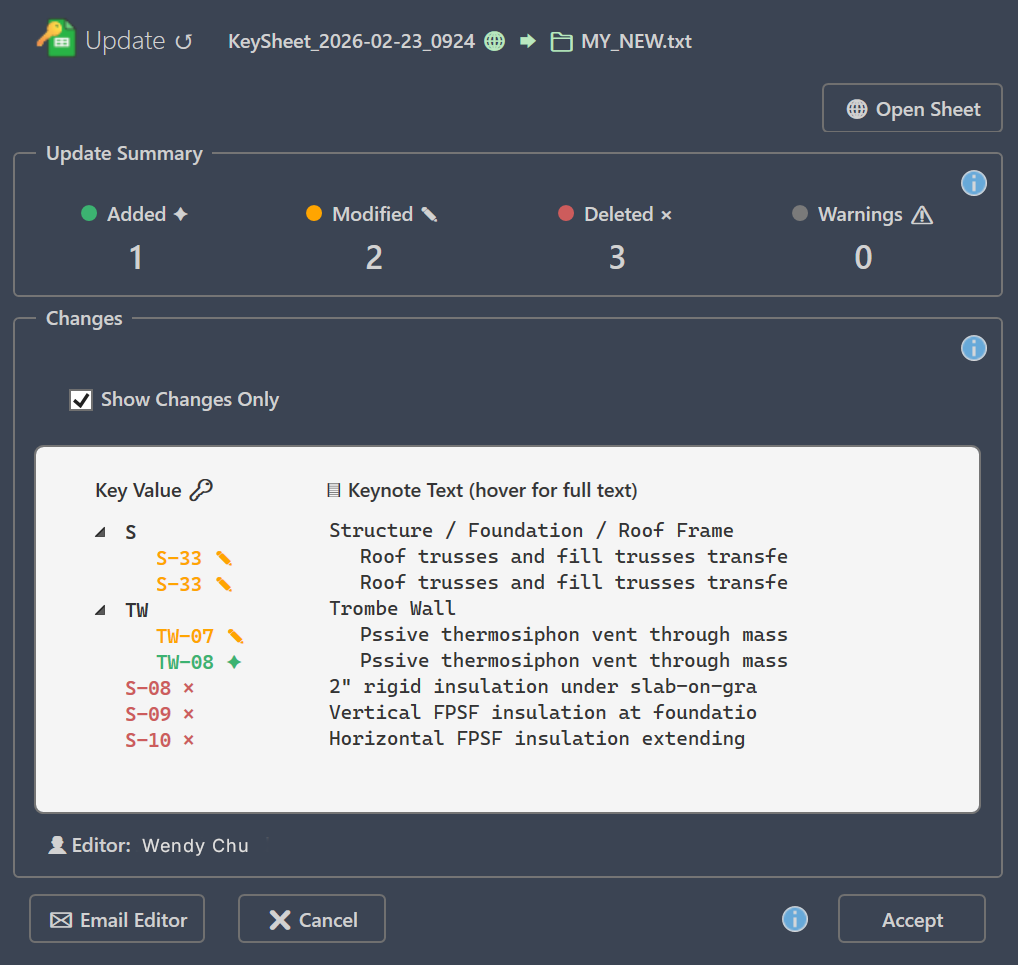
The summary shows four counts: Added, Modified, Deleted, and Warnings. If all are zero, your local file already matches the linked sheet.
📝 Changes Section
The Changes section lists specific keynote entries that will be written. Enable Show Changes Only to hide unchanged rows and focus on added, changed, or deleted items.
⚠ Warnings Section
Warnings identify structural or data issues such as missing parents, duplicate keys, or incomplete rows. Warnings do not always block updates, but should be reviewed before applying changes.
✔ Accept or Cancel
Accept applies the reviewed diff to the local keynote file. Cancel closes the page without writing changes. The local file is not modified until Accept is selected.
↪ Next: Create
Canonical route: /keysheet/docs/update